Pulling ConnectWise API Logs
- Log into ConnectWise.
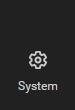
- Go to System.
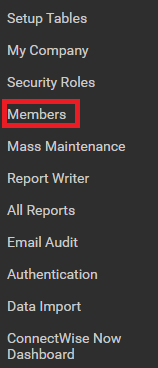
- Go to Members.
- Go to the API Members tab.

- Go to your 1Stream user.
- Go to the API Logs tab.

- Click on the Start Debug Mode hyperlinked text.

- The Start Debug Mode pop-up will appear.
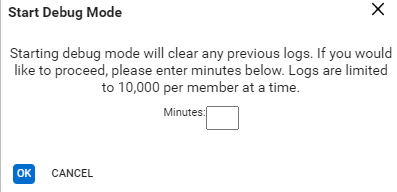
- In the Minutes textbox, type in 5 for the value.
- Click the Ok button.
- Replicate the issue.
- Repeat steps 1-6 to return to the API Logs tab.
- Click on the Download Logs hyperlinked text.

The API files will download immediately to your browser to provide to the development team.