Video Warning
The above video uses the 1stream desktop application which has been deprecated. The contents still apply to the 1stream Client Chrome Extension.
Adding a Contact Note
- Log into 1stream.
- Pull up the contact in question.
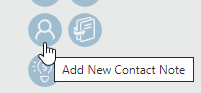
- Click on the person icon. The New Contact Note pop-up will appear.
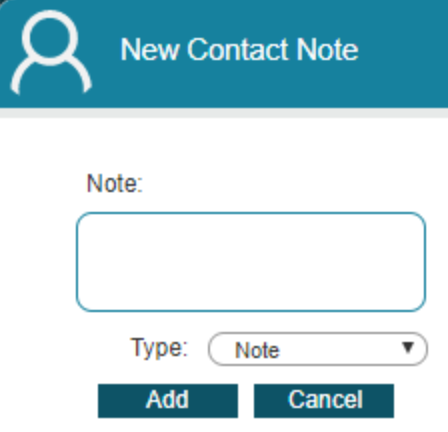
- In the Note field, add the text that you wish to have in the note.
- In the Type drop-down, select the desired option.
- Click the Add button.

The contact notes will apply to the contact and appear in 1stream under the Contact Notes section as well as in the connected CRM.