What is an Opportunity?
An opportunity in 1Stream is a notation for sales opportunities, which will also document inside of the connecting CRMs.
Creating Opportunities in 1Stream
- Login to 1stream.
- Open a desired contact.
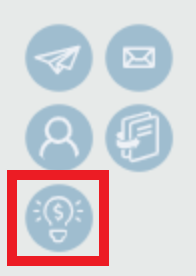
- Click on the Lightbulb icon. A pop-up window will appear.
- In the Name field, input the desired name.
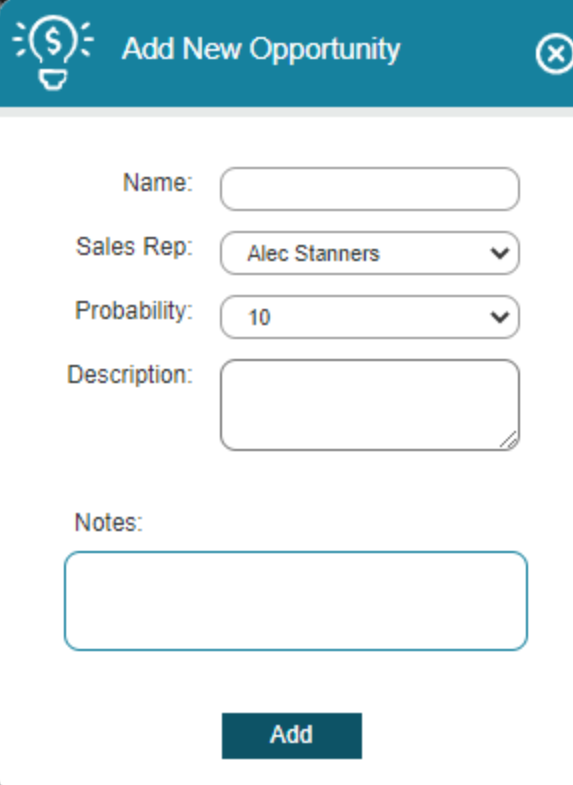
- In the Sales Rep drop-down, select the desired sales representative.
- In the Probability drop-down, select the scale of sale. (100 being the highest.)
- In the Description field, input the desired description for the sales option.
- In the Notes field, input the desired additional notes.
- Click the Add button.
The Opportunity will then be reflected under the Opportunities Tab in 1stream and also in the integrated CRM.