Creating a Contest in CrewHu
- Log into CrewHu.
- Go to the Operations Menu.
- Select the Contests option.
- Click on the Add button.
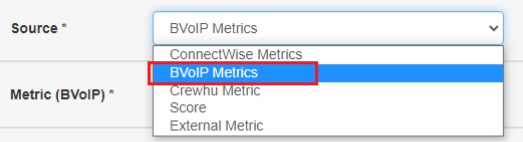
- In the Source drop-down, select 1Stream metrics.
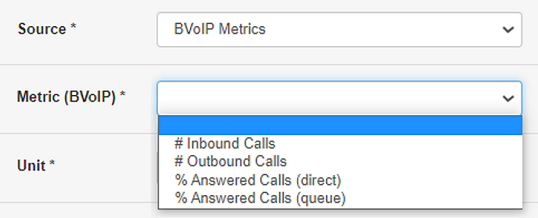
- In the Metric (1Stream) drop-down, select the desired type of contest.
- Fill out the remaining fields as desired.
- Click the Save button.
The contest will start at the specified time automatically once saved.